


Compatible Devices – NindoTV IPTV
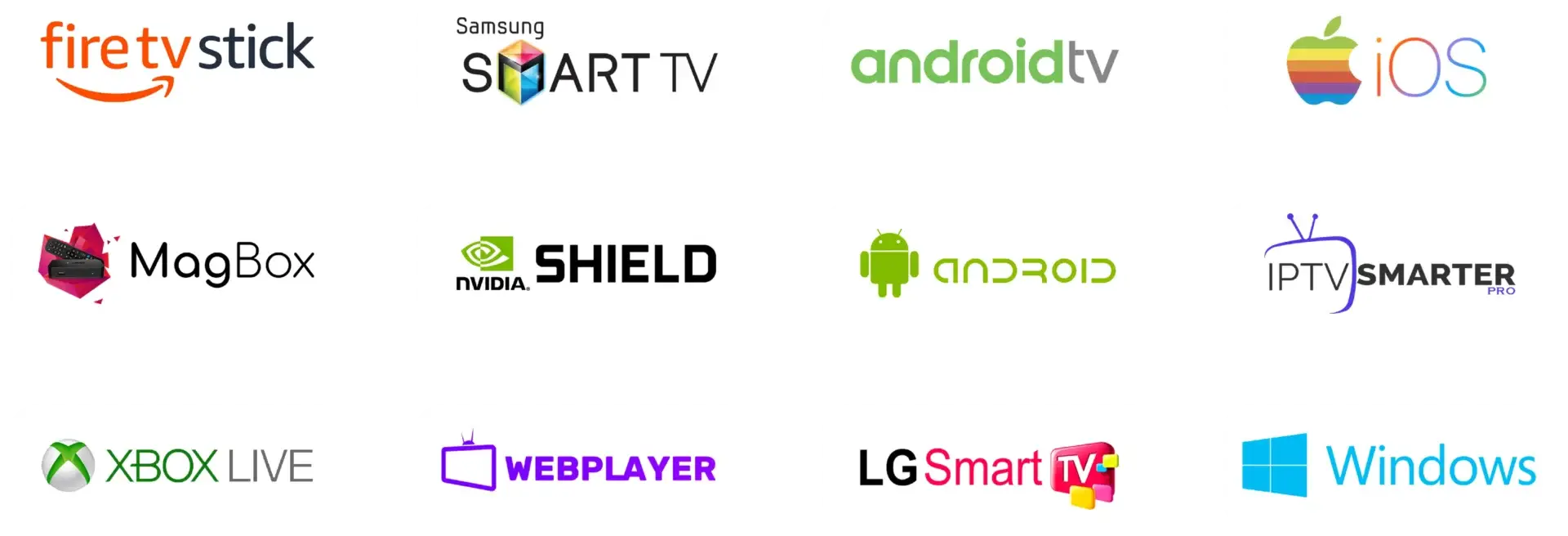
NindoTV is designed to work across a wide range of devices, ensuring fast, stable and high-quality IPTV streaming anywhere. Below is the full list of supported platforms along with recommended apps for the best viewing experience.
1. Smart TVs
Compatible with most modern Smart TVs:
- Samsung Smart TV (Tizen)
- LG Smart TV (WebOS)
- Sony Android TV
- TCL, Hisense, Philips
Recommended apps: Smart IPTV, IPTV Smarters Pro, OTT Navigator
2. Amazon Firestick & Fire TV
Fully compatible with all Firestick generations. Offers excellent performance and easy setup.
Recommended apps: IPTV Smarters Pro, Tivimate, XCIPTV
3. Android Devices
Supported on all Android devices:
- Android phones
- Android tablets
- Android TV Boxes
- NVIDIA Shield
Recommended apps: Tivimate, IPTV Smarters Pro, XCIPTV
4. iPhone & iPad (iOS)
Works smoothly on all iOS devices with a dedicated IPTV player.
Recommended apps: iPlayTV, GSE IPTV, IPTV Smarters
5. Windows & Mac
NindoTV can be used on computers with desktop players or web-based apps.
Recommended: VLC Media Player, IPTV Smarters PC, MyTVOnline
6. MAG & Formuler Devices
Full support for:
- MAG 254 / 322 / 420 / 524 / 544
- Formuler Z7+ / Z8 / Z10 / GTV
Recommended interface: MyTVOnline / MyTVOnline2
7. Roku Devices
NindoTV is available through compatible IPTV casting apps or screen mirroring.
Need Help With Installation?
Our support team is available 24/7 to help you install and activate IPTV on any device.
📞 WhatsApp Support:
+1 (929) 342-5132
📧 Email:
support@nindo.tv
📄 Setup Tutorials:
https://nindo.tv/tutorials/
Last Updated: February 2026